# How to associate colormap with the model
**URL:** https://discourse.slicer.org/t/how-to-associate-colormap-with-the-model/12724
**Category:** Development
**Created:** [July 24, 2020, 5:00pm UTC](https://discourse.slicer.org/t/how-to-associate-colormap-with-the-model/12724 "2020-07-24T17:00:03Z")
**Posts on this page:** 2
**Page:** 1
### Author:  [@siaeleni](https://discourse.slicer.org/u/siaeleni)
#### Post date: [July 24, 2020, 5:00pm UTC](https://discourse.slicer.org/t/how-to-associate-colormap-with-the-model/12724/1 "2020-07-24T17:00:03Z")
Hi,
I want to add a colormap in 3DView and show the min-max actual values with the same color as my model. I am generating a model and you can see the output at the image attached.
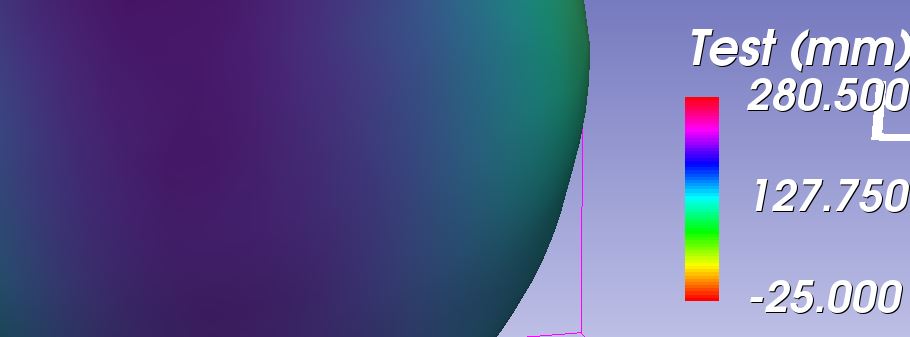
I can display a color map, but I haven’t figured out yet how to associate it with my model values.
In other words, I want to show a colormap depending on the “Active Scalar” in the Models module.
I imagine that I should set the color table at Models properties, but I am not sure where exactly.
Thanks
---
### Author:  [@lassoan](https://discourse.slicer.org/u/lassoan)
#### Post date: [July 24, 2020, 5:51pm UTC](https://discourse.slicer.org/t/how-to-associate-colormap-with-the-model/12724/2 "2020-07-24T17:51:08Z")
To make sure the range of color scalar bar is in sync with the active scalar display, you can choose in Models module: Display / Scalars / Scalar Range Mode -\> Color table (LUT).