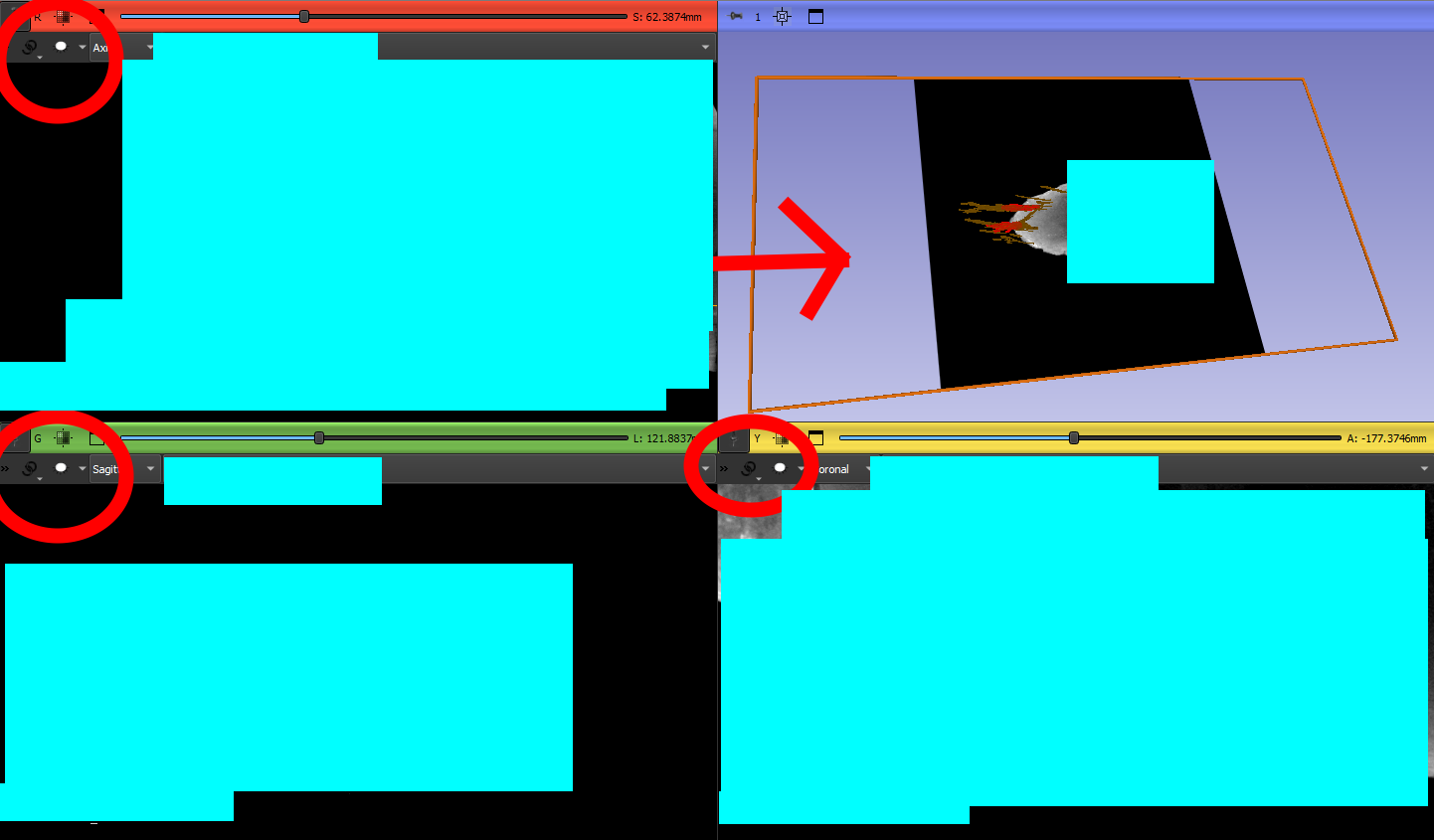
I have a small problem in my 3D view. There is an orange outline displaying the Dorso-Ventral slice visibility of my specimen. I know that I can enable this kind of option by clicking on the eye icone at the top of each view (sagittal, axial and coronal), but none of them are currently enabled… (as you can see in the pictures below). So my question is how can I remove this option ?
(sorry for the blue squares, but I’m not allowed to share these data…)
Otherwise, I’ll have to save each data independently, and then gather them in a new document, which I would like to avoid because my computer will suffer