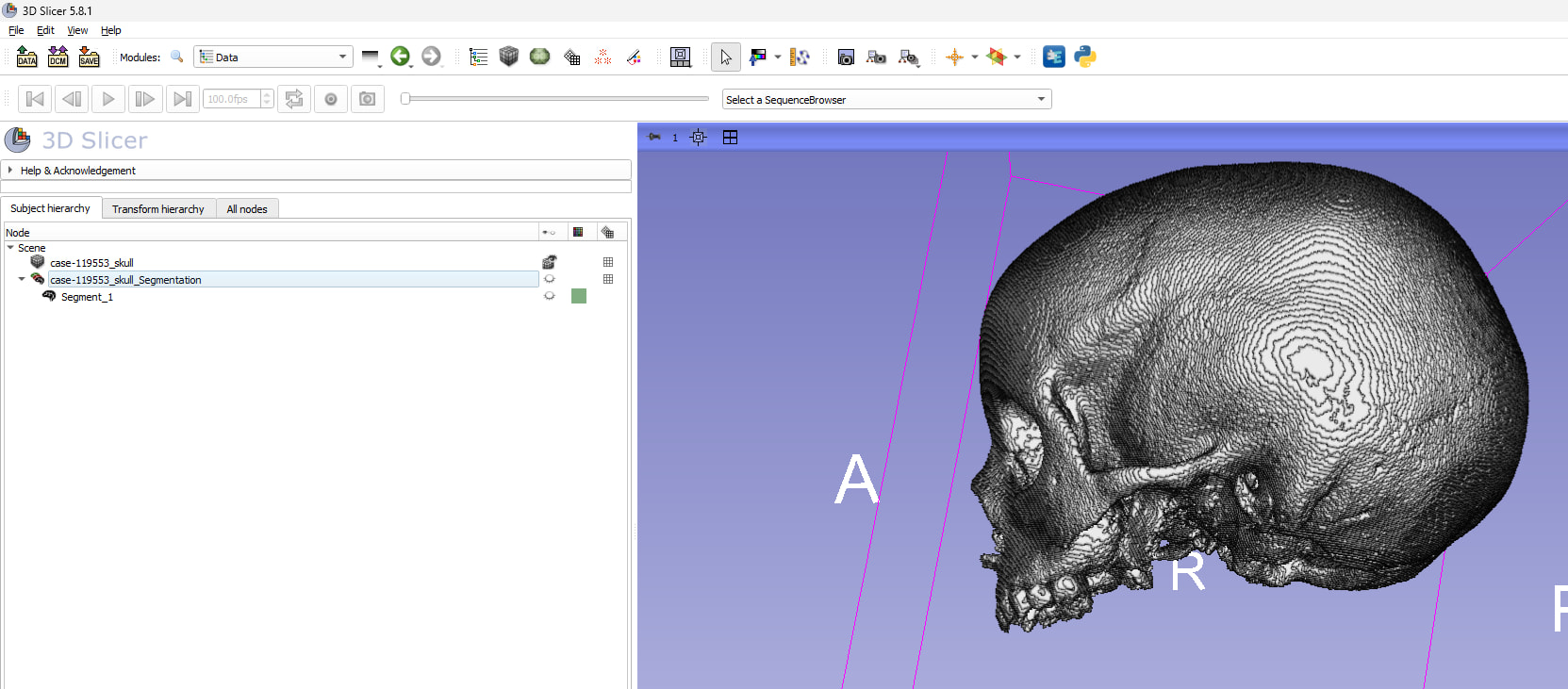
Ok - I will try a few other methods, what do you mean by converting volumes labelmaps and do a labelmap registration? Does that mean using the .nrrd’s instead of the registered .nii’s ?
I wonder if Scalismo can work with meshes alone? Although I am struggling with the coding aspect
If you threshold your volumes, and create a labelmap, you can input those as the fixed and moving volumes (I think). That’s what I meant. Format doesn’t matter both nii.gz and nrrd are fine.
Perhaps I’m doing this in the wrong order - but I already have labelmaps of the volumes as .nrrd files - I would still, at some stage, need to input the fragmented skull as the fixed volume?
Thank you. How do you recommend registering the two halves together? I am concerned about asymmetry in the skull, and thus oversampling the cranial capacity. It also still lacks much of the skull base, so estimating cranial capacity from a non watertight mesh could be tricky… any advice is appreciated!
Reconstruction can be very ad hoc due to variations left-right asymmetry and you might try a couple of different methods. Fossils also may involve distortions.
A few methods I could think about:
Use a skull that looks similar (e.g., one species, perhaps using the strictest species definition, similar age) to fix it. You could try FastModelAlign from SlicerMorph for model registration and affine deformation. Tutorials/FastModelAlign at main · SlicerMorph/Tutorials · GitHub
You can also manually adjust it using the new Slicer interaction transform handle. Simple go to Data module, right click the eyeball, and activate the 3D interaction transform. You’ll see a handle to play with.
Once it is registered, you can use the affine registration in MirrorOrbitRecon or FastModelAlign to see if slight deformation can improve the fit.
Another way is the thin plate spline transformation between two manual landmark sets with correspondence manually established. You can then use the generated grid transform to transform one specimen to match to another one. This may require minimal Python programming. I could send you a snippet later (the same method is used in GPA of SlicerMorph as well).
My feeling is, you might want to use manual landmarks to see if it’ll perform better than model registrations since the bones could be fragmentary. Again, there is no guarantee which method would be suitable unless trying them one-by-one.
That’s why I suggested image registration based deformation, since you wouldn’t have to worry too much about the lack of cranial base, remaining points should still give you reliable deformation.
Since you can’t use that method due to lack of CT scan of the actual specimen, you might want to consider using tools in the Dynamic modeler plane cut options. You can use mid sagittal to remove the damaged side (left), then another plane to create an artficial cranial base, and then calculate the volume inside and multiply by 2. You want to use the PlaneCut with the cap option enabled.
I will try this. How does one create an artificial cranial base? using an ROI clipping of an aligned complete skull and then merging with the sagitally clipped fragmented skull?
Or is this just via: Add another Plane Cut tool
Input: the previously cut half-skull
Create another plane
Position this plane so it approximates a cranial base
Usually an oblique plane under the orbits and occipital region
I plugged the resulting .ply into Endomaker (Arothron, R Studio), with a result of 939.2671ml x 2 = ~1,878.53 ml, which for a 4 year-old skull with synostosis/macrocephaly, I think is reasonable?
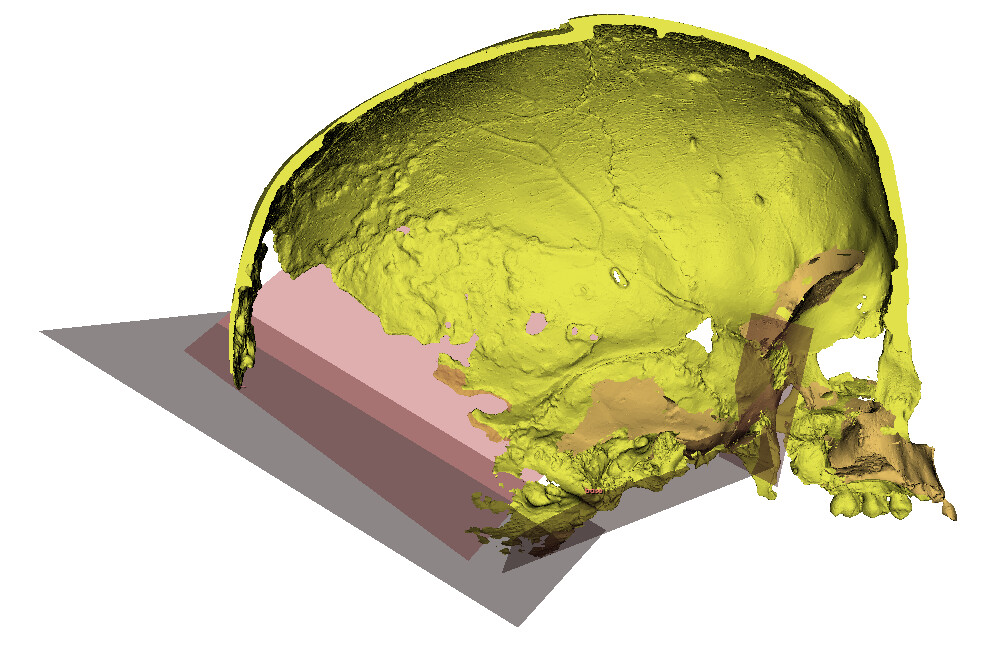
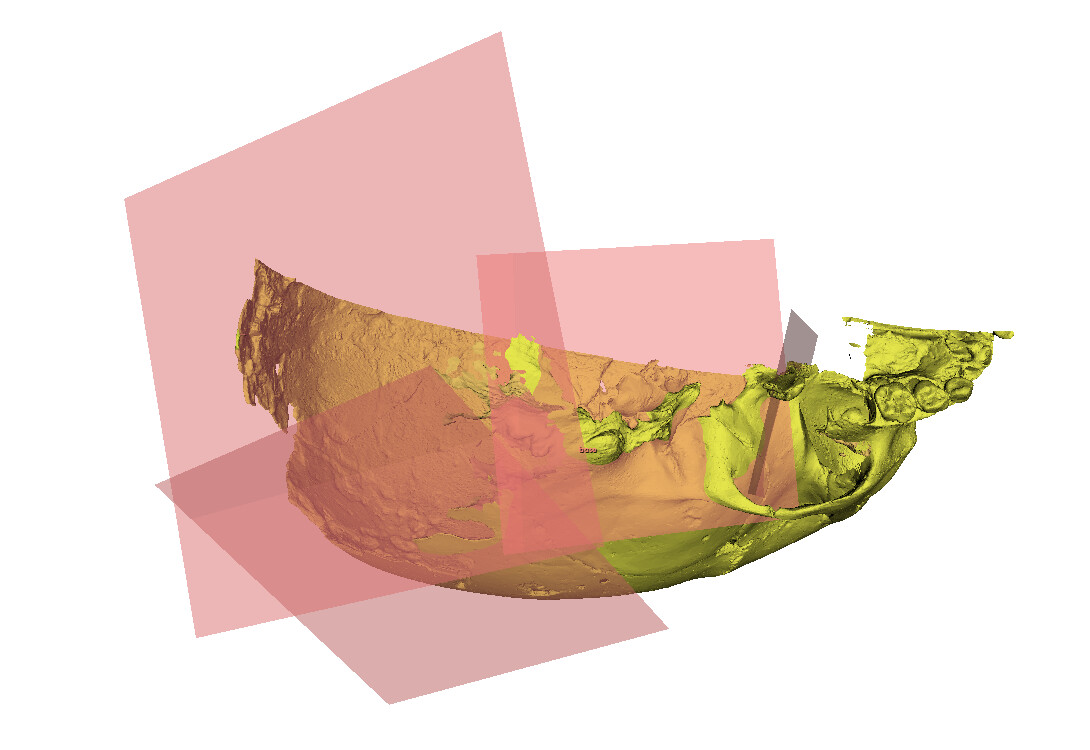
I can play around with the parameters further, but looks like this: