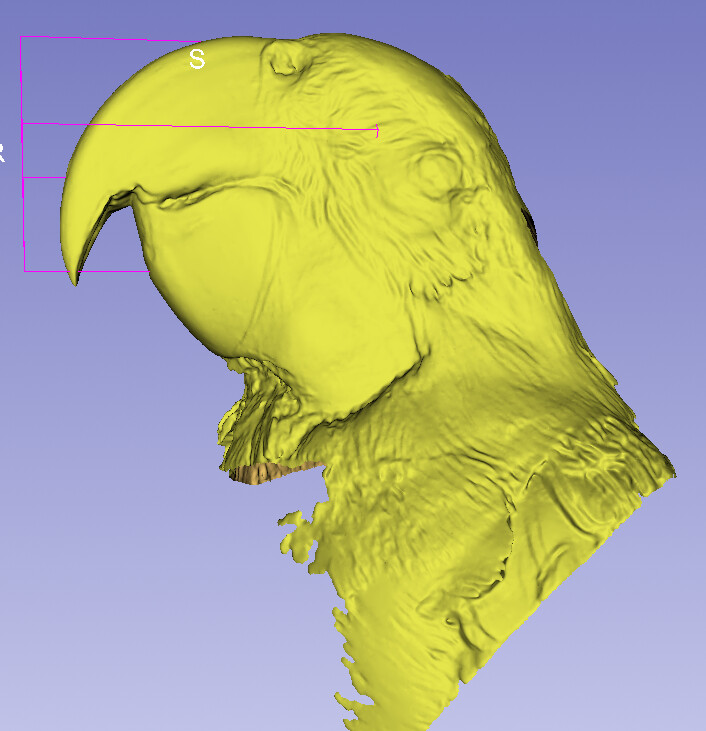
I’m using Auto3dgm on segmented upper beaks from MarkMyBird database, but it appears landmarks are being placed on seemingly invisible parts of the segmented meshes!
Here’s how I segmented the meshes: I used Plane Cut tool in Dynamic Modeler, using a 2D plane placed vertically at approximately where the beak begins. I exported the desired segment as an .obj file. Interestingly, using either DeCAL or BUILDER module as part of ATLAS, they seem to respect the posterior boundary of the mesh (but they’re not without other issues with these meshes):
The fix is integrated. Slicer Preview Releases (downloaded tomorrow or later) will not have invisible orphan points in the outputs of ROI cut and Plane cut tools.
Thank you for implementing those fixes! I was just about to download the preview release for Windows, but it seems that version is from 01/15, while Linux and mac are 01/19? I run 3D Slicer on Windows.
It seems the last build succeeded on all platforms. Click the package button in the Windows line and you can download the installer (apparently the download site hasn’t updated itself yet).
If you look at the clipped surface, I think you will see many point there? You might want to consider there having points in a completely arbitrary and flat surface makes biological sense in your geometric analysis.
On second thought, regarding how much biological sense my procedure makes, while I made sure to leave the clipped surface uncapped, I’m now slightly concerned about landmarks falling on the clipped edges. I may be overthinking this too much, but the criteria for cutting the mesh along that specific plane is the part of the beak that is anterior to the nasals. The angle of the plane is determined by a PCA of the specimen’s landmarks themselves (for the most part). Any thoughts?