my goal is to register CTA Circle of Willis examinations of two patients acquired with a 4-year interval, using the skull as a reference, in order to evaluate changes in the position of the arterial tree over time.
I was successful in one patient using General Registration (Brains), but unfortunately not in the others. I also tried manual registration, as well as the Elastix and ANTs extensions, without satisfactory results.
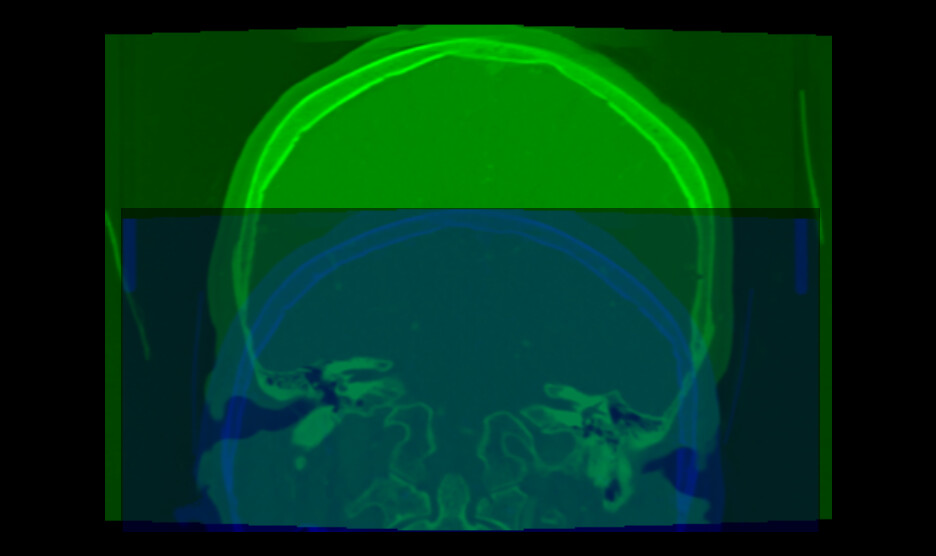
Could there be problem in sources CTs data? I attach the pre-registration pic.
Could you please advise on the most appropriate registration strategy or workflow for this type of longitudinal CTA data? Any tips or shared experience would be greatly appreciated.
Have you tried using manual for the initial transformation and then refining with any of the automated tools?
When configuring the registration tools, did you configure multi-stage so that it tries to do affine first before deformable (if you want to do deformable at all)?
In addition to manually lining up the volumes, in the General Registration module I often find the default Percentage Of Samples parameter is too small. I sometimes bump it up by two orders of magnitude and get better results.
Your images have several strange properties, any of them may can cause an automatic intensity-base image registration methods to struggle:
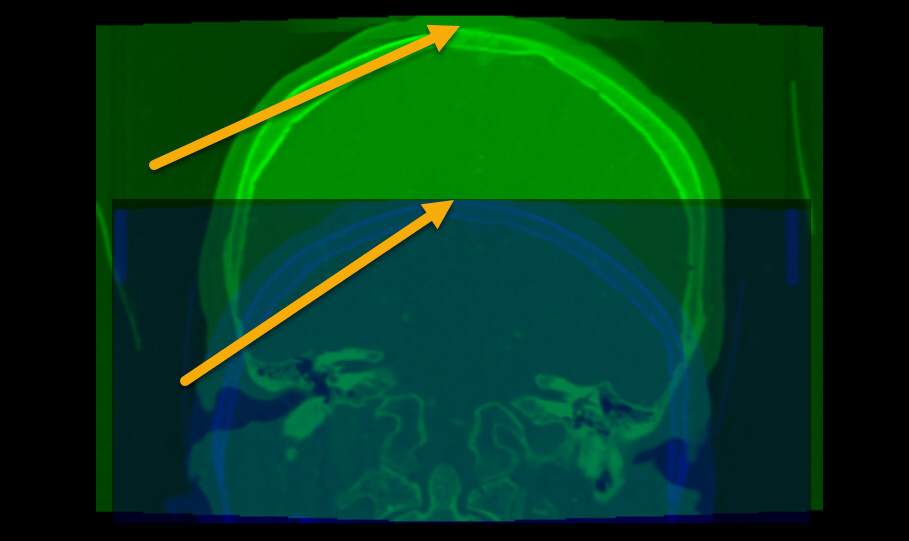
Most registration methods generally require the images cover the same region. Your images do not meet this requirement. To fix this, probably the easiest is to crop the images to approximately to the same region.
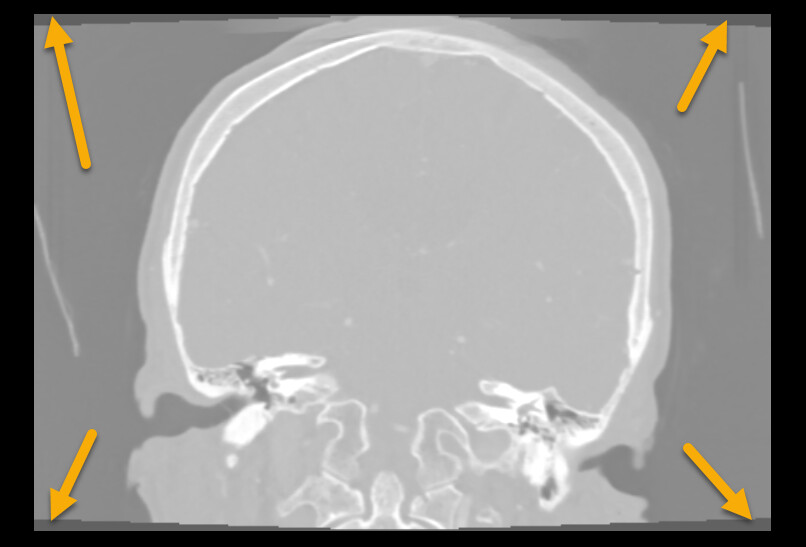
The image edges coincide edge of anatomy (skull touches the image edge). This is an issue because image processing methods often need to extrapolate a little bit beyond the image region and this extrapolation will fail if the intensity near the image edge is non-uniform (it is fine if the image edge cuts through the middle of tissue or cuts through the middle of air, but the image edge should not be at an anatomical region boundary).
Image intensity range is off. Most medical images are in the range of +/- few thousand, while yours are in few ten thousands. This may result in default registration presets not working ideally on the images.
As a general advice, try to go back to the original DICOM images as they don’t have these issues. All the problems above are due to incorrect post-processing.
Registration toolkits such as Elastix are quite robust, so it may still be able to register your images successfully, especially if you simplify the registration problem. If you need to register skulls of adults a few years apart then rigid registration should align them well and that is a much simpler task than deformable registration. Therefore, you can increase the chance of successful registration by using a rigid registration preset (generic rigid (all)).
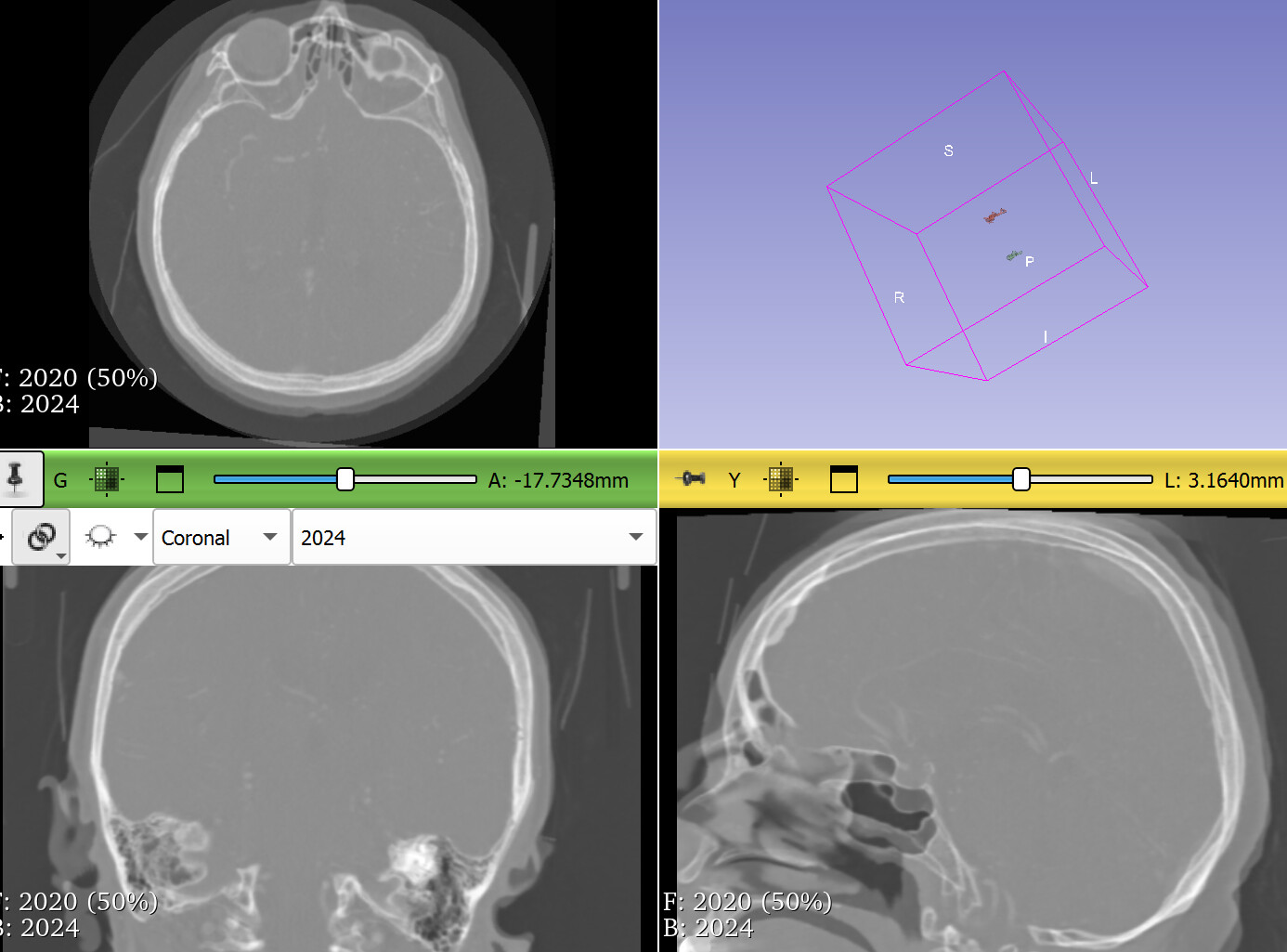
It is not a problem, I can share another patient. Basically, I pass another patients, tried to change generic, generic rigid (all), 3D CT monomodal head and neck. Every option work with different accurancy.
I’m wondering if it wouldn’t be a good idea to review my approach.