You can get left/right lung segmentation in about 1 minute using LungCTSegmenter as recommended by @rbumm.
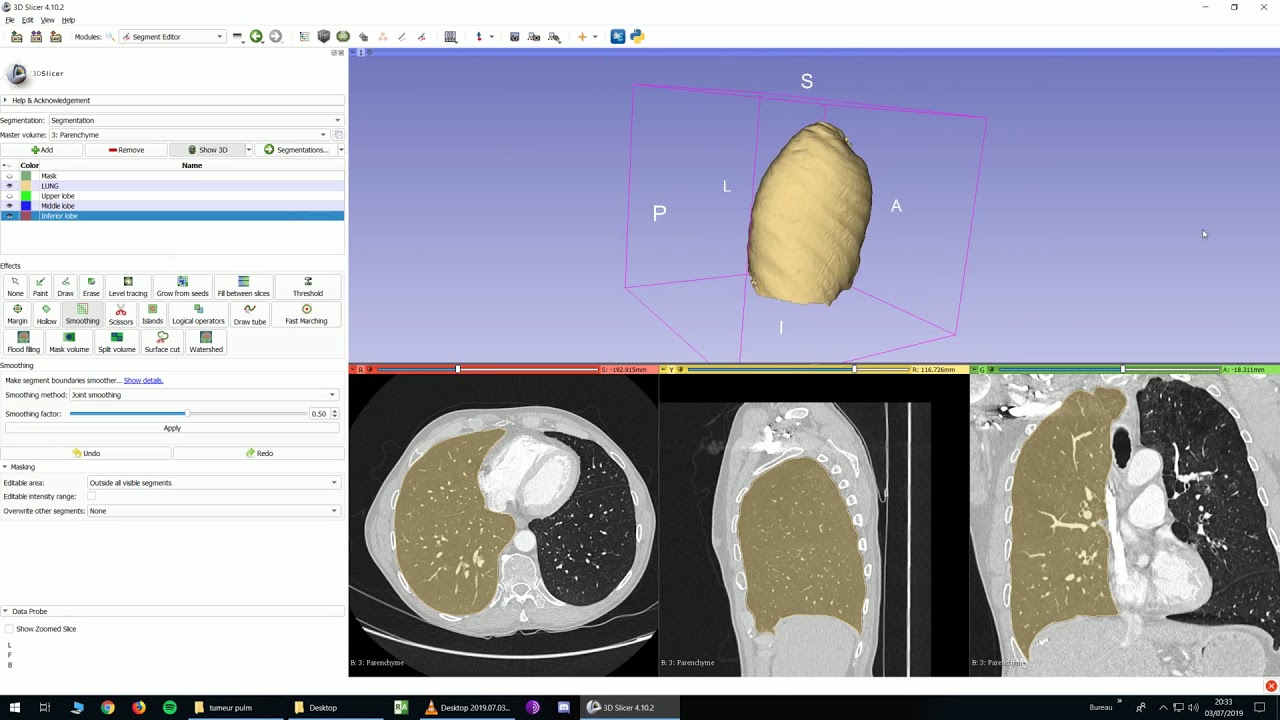
After that you can set masking settings to restrict painting inside segments, paint a segment with a very large brush on a couple of slices and create full segmentation by activating “Fill between slices” effect or “Grow from seeds” effect. The former does not rely on image contrast at all, so it works regardless how well the lobe boundaries are visible (as long as you can see them), but it may require painting on more slices. I would recommend to segment 4-5 images with both methods and see which one takes less time in the end.
See a tutorial on how to use Fill between slices effect for lobe segmentation here:
You could also draw fissure surfaces manually by defining the fissure surface boundary by a closed curve (using Valve View module in SlicerHeart extension can help with quickly defining this curve) and then generate a surface from it (using Baffle Planner module in SlicerHeart extension). Then you can import the baffle surface to a segmentation and use that to partition the segmentation (using Islands effect). However, most likely this workflow would take more time than a simple Fill between slices based segmentation.
I would expect that segmenting one lung should not take more than 5-10 minutes, which means you can segment 200 images in 2-4 full days. If segmentation takes 3 minutes using the Interactive Lobe Segmentation module then it means you can segment 200 images in 1-2 days. Most likely it would take much longer for you to find a developer who could dig into the Interactive lobe segmentation module (and make it possible to use on your special images) than those few extra days that the more manual segmentation workflow takes.
@raul Is there a chance that someone from your team could look into testing Interactive lobe segmentation module with resected lungs?