New to slicer via recommendation from colleague. Very nice tool.
Trying to see a 3D volume of mouse from a tomosynthesis dataset (height stack of 24 slices). I know its not going to be a perfect 3D dataset but just want to see it anyway.
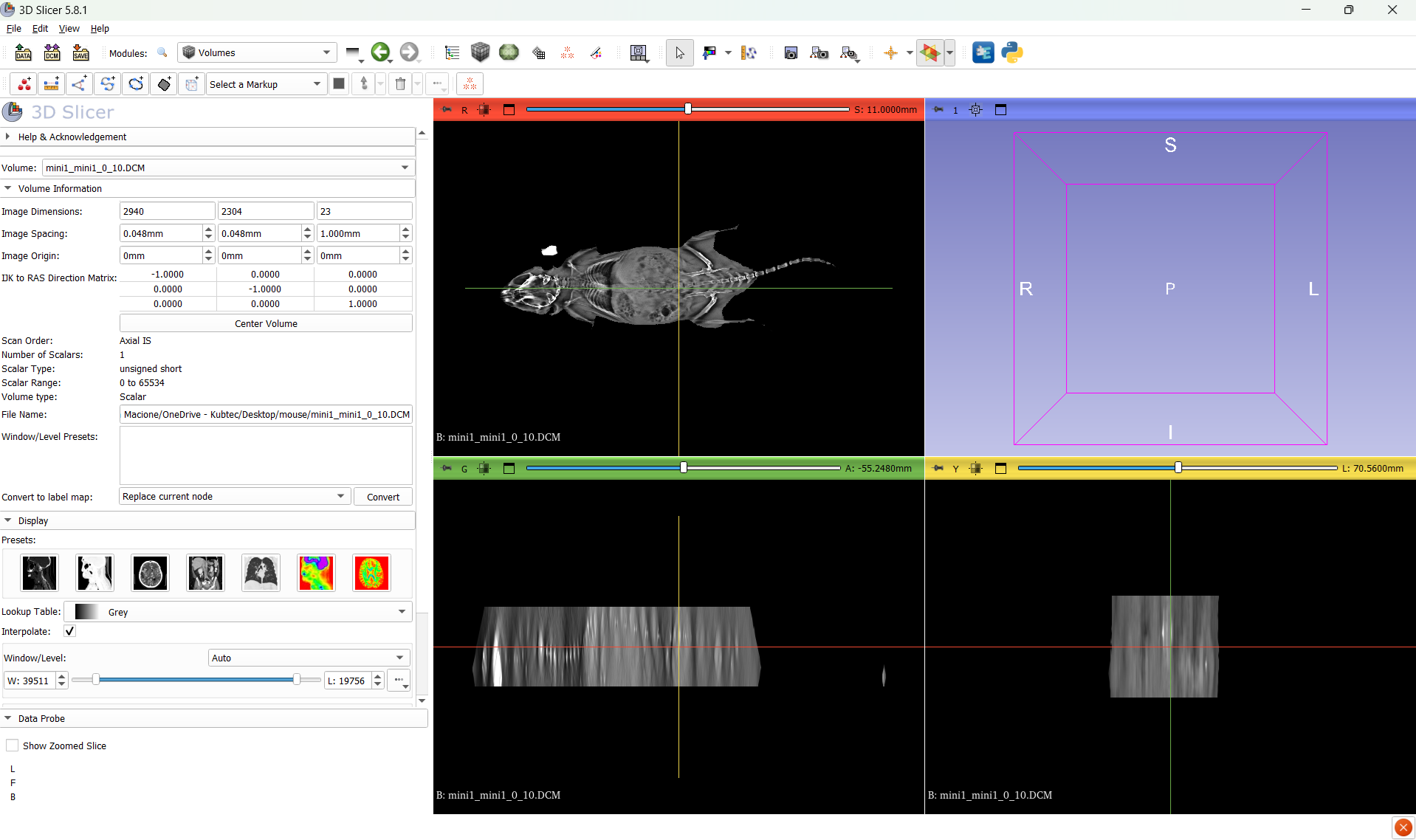
I can see the 3 independant views but not the 3D volume view.
Can someone help figure out why it is not loading.
I uploaded dataset here
here is a screen shot. I would assume the volume would show up on the box in the top right corner.
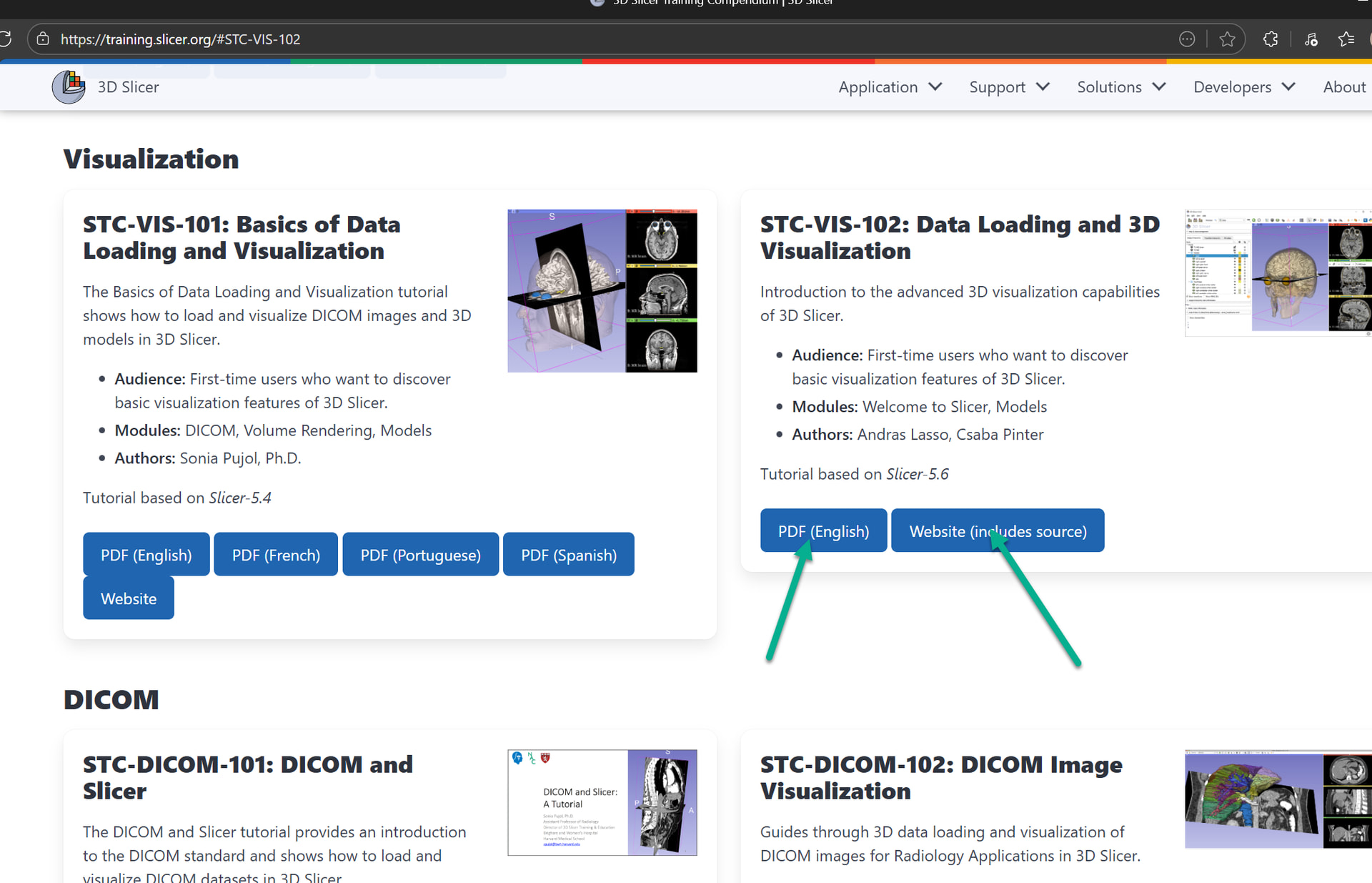
If it is a “height stack” then you can display it in 3D using volume rendering (go to Data module and drag-and-drop the image to the 3D view). You can find more information on basic visualization options in the STC-VIS-102 visualization tutorial.
If you have a sinogram (projection from different directions) then you need to reconstruct it first into a Cartesian image as @pieper described above. I could not check what kind of images you have because the link did not work for me (limewire reported “Incomplete or wrong Download URL.”).
Go to data module, and than drag the mini_mini object onto the 3D viewer. It will render but it will be pretty bad. You have two orders of magnitude difference in the resolution between your XY and Z planes.
Yes, but you need to center the field of view (+ sign in the top bar) in the 3d view and probably zoom in a bit. See this for explanation of things in the 3D view:
Sorry, Im not sure what i clicked, it might have been the STC-VIS-101 or otherwise 102
The 102 is working when i just clinked on it, but if i click on 101 (PDF English) I get the error shown below (atleats now). Maybe that was the one I clicked?
note i figured it was a better place to start out
I do appreciate the literature you have made and am thankful to use it it
does anyone have a CT dataset I can use to try to learn to use slicer with? I think doing something with tomo is not ideal and really need to see normal behavior with a CT dataset first.
for the tomo, we are trying to just get data that is good enough to decide basic properties such as delineation of boundaries of the skin in the height axis, not trying to complete with MRI or CT
There are several CT datasets in the SampleData module.
From the pictures you shared it looks like you may not have reconstructed the volume on your scanner. Slicer doesn’t work with the raw projection images. As I mentioned above you may be able to use rtk, but using the scanner itself is usually easiest and best.
However, this is the reconstructed dataset and you can sort through the height stack to see it is properly made. Otherwise you would see angular effects from each projection.
Okay, I see, it’s just a little slab. These aren’t valid dicom, so I loaded them as an image stack and changed the spacing to be isotropic (made the slice spacing 0.048. You just don’t have the full specimen in the scan.