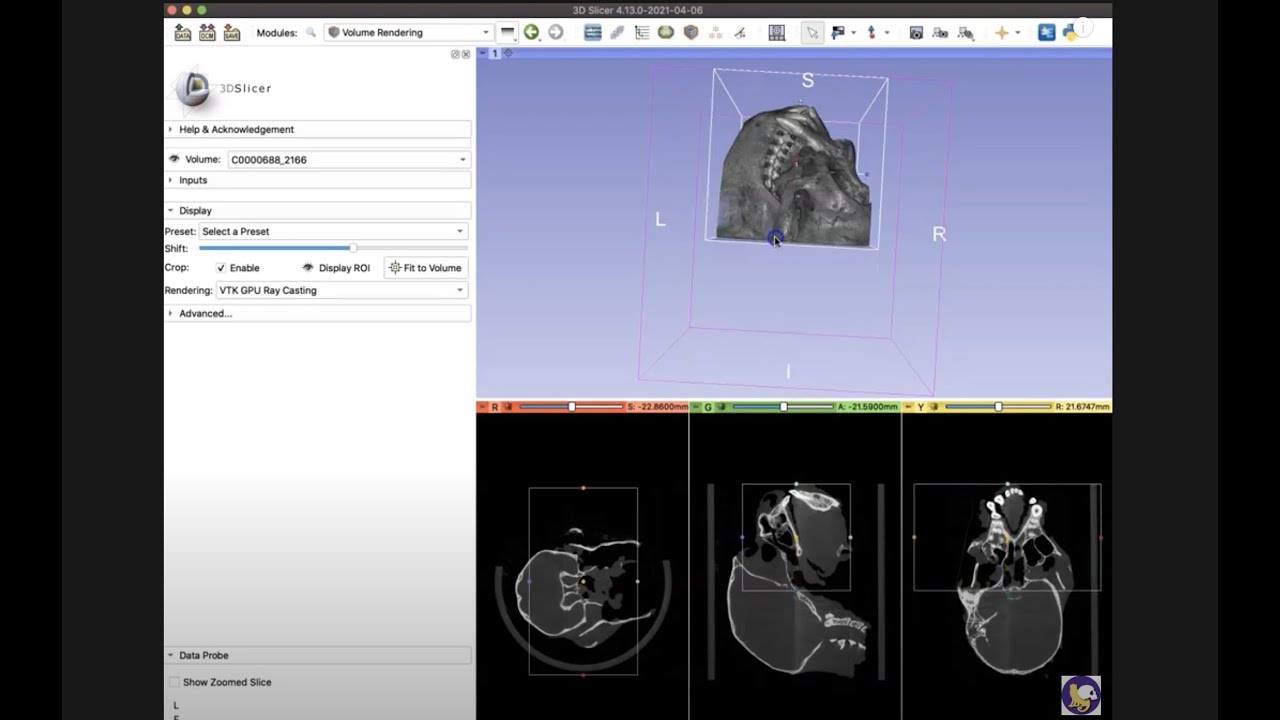
I’m working on a project to segment structures within the orbit. I’m using fat suppressed T1 weighted images from a database. The MRI DICOM files are downloaded individually e.g. one will be coronal one will be axial. But they’ll both be from the same patient. So they’re the same scan but different protocols. I’m importing the axial and coronal scan from the same patient into one file. Then I’m opening the folder on 3D slicer which has both the scans in. I ran into an issue that when viewing the scans e.g. I’m looking at the coronal scan 3D slicer then renders the other planes in awful quality so I cant segment using them.
When I try to segment in only one of the files e.g. the coronal file and then look at the axial file the segmentations roughly overlap but become extremely pixelated and blocky. When I try to change the segmentation on that scan (the axial) it only does large wide pixels. I would’ve expected if I segmented on the coronal scan for the axial to match roughly and then I can fill in the blanks using that axial scan. But the way its so pixelated I cant work on it at all.
Based on the practice scans, all three planes were clear and visible such that I could segment freely - my segmentation on one plane would show up correctly on the other planes and this would generate a correct 3d image in the fourth window. Is there any way to achieve this with the scans I’m downloading? Maybe so that the separated clear planes in each scan could be merged so I can view and segment on them at the same time.
This is a very common limitation of clinical images that are acquired for slice-by-slice reading by humans, and not for 3D processing. You can find how to deal with such images for example here:
Hi thank you for the reply! So from my understanding we either need to acquire isovoxel scans or try to use NiftyMIC to see if it could work is that correct?
is it possible to segment individual planes e.g if I segmented using the Coronal plane scan then segmented the Axial plane scan (both high quality) from the same patient. Would that be accurate or could you combine the volumes of those?
Or could it even be an option to just use one plane to segment and compare that to other scans only segmented using one plane?
My aim is to segment normal structures within the orbit and also segment lesions within the orbit. We ideally want to create parameters of the normal structure volumes out of our data.
As it is described in the post I linked, you can resample any of the input volumes to be isotropic using the Crop Volume module. Then the segmentation you create for it will be isotropic, too. You can represent structures with finer details in this segmentation than in any of the input 3D volumes. The difficulty is that after you segmented a structure based on one of the 3D volumes, how you correct it based on another 3D volume.
That’s why 3D reconstruction using niftymic or other reconstruction techniques; or acquiring isotropic volume may work better.
I’m not quite proficient with 3Dslicer. I’ve tried playing around with the crop volume module but with no luck on how to do what you mentioned before. Is there a guide / tutorial anywhere explaining how to achieve this using the crop volume function?
I also looked at NiftyMIC and the main problem is that I am using fat suppressed T1 scans which mainly are only coronal or axial, there is no sagital version. Would that still be able to generate a 3D version of it? I also noticed it’s for fetal MRIs, would the algorithm be suitable for adults?
I have access to Mprage MRIs which are typically 3D but are not fat suppressed which creates the issue of not being able to segment the recti muscles properly
Hi guys, Thanks for the help! I managed to acquire 3D scans (I believe isovoxel?) however when I try to segment its very pixely / block like. Any ideas what cause be causing this? Im just using the segment editor function with the sphere brush. I just need the pixels slightly smaller to be able to segment it more accurately to get the structure better (quite a small structure) / or even a smooth brush?
Pixel spacing is not bad, but we don’t know the distance between slices. If that is around 1mm, too, then your image should not be very “blocky”. You can find all 3 components of the image spacing in Volumes module’s Volume information section.
Slice thickness does not matter much for 3D reconstruction. It just tells how blurred a slice is along the slice normal axis.
Seems like oversampling works to fix it. Although I dont know if selecting that and isotropic spacing on the ‘segmentation geometry’ will skew my volume measurements for my project?
Resampling will not invisibly skew volume measurements. Volume is measured from the segmentation as displayed: what you see is what gets measured. If your segmentation accurately follows the original image (contours are aligned with visible boundaries, no details are lost due to insufficient resolution, no artifacts are present such as a blocky appearance of a smooth organ wall), then the volume measurement should be accurate.
That said, any measurement tool used in a study should be validated. This applies to imaging and image computation tools as well. Slicer’s volume measurements have been validated across many studies, but every project has its own imaging protocol and processing/analysis pipeline, so it is always worth verifying for your specific use case.