Table of contents
Summary
The community of 3D Slicer developers is proud to announce that version 5.10 is now available for download. This release consists of a few new features and a large set of fixes, enhancements, performance and usability improvments, and core library upgrades.
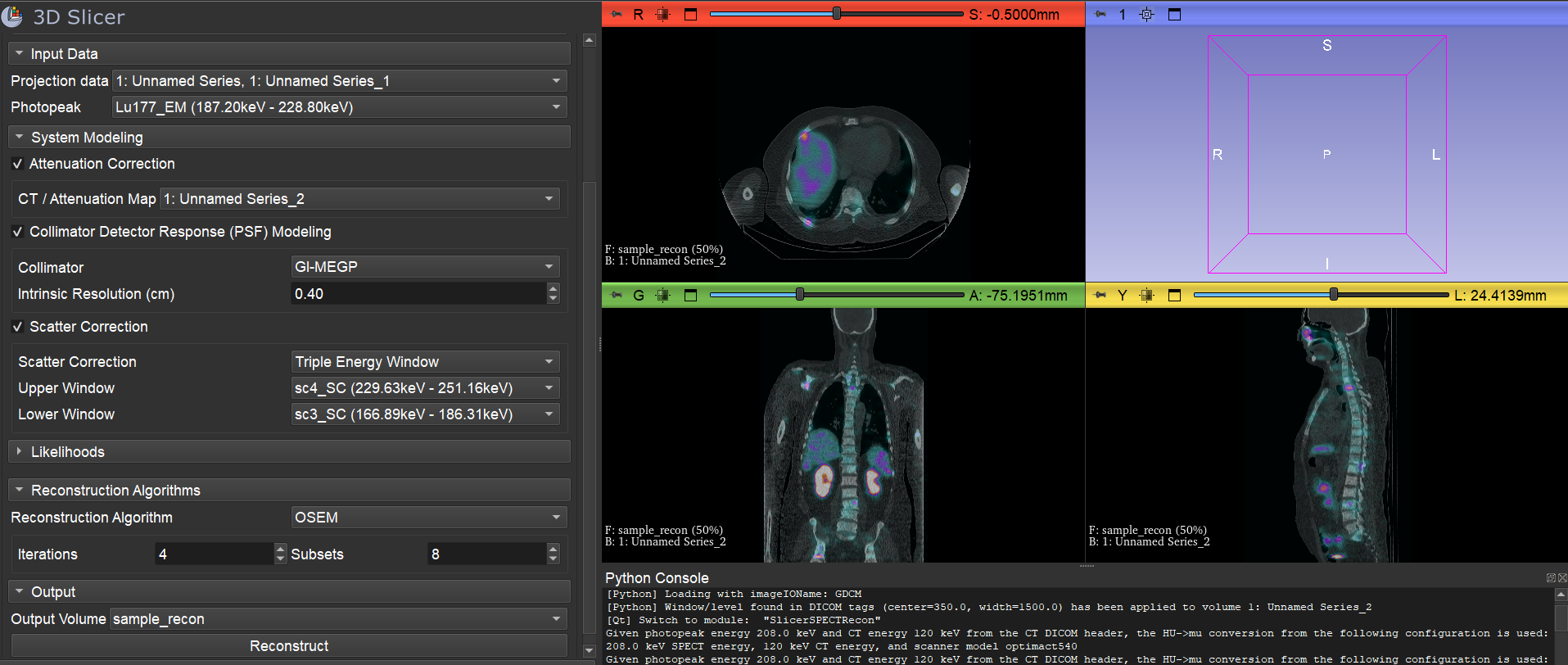
Users will find new interactive editing and display of image window/level and transfer functions, completely redesigned scene views (visual bookmarks), a new module for plotting image intensity along a line, multi-component volume rendering, storage of time sequences of color and multi-component volumes and displacement fields (up to 5D).
Developers will benefit from upgrade to Python 3.12, infrastructure for unlimited number of image layers in slice views, curved planar reformat (CPR) support, TLS support for DICOM communication, and better support of the trame web framework.
Extensions received new modules and numerous fixes and improvements. Over 15 new extensions have been added to the existing 200+ extensions.
Download counts of 3D Slicer continue to increase, reaching record breaking 400,000+ downloads of the application in the past 12 months, and over 2.2 million downloads of the core application and 8.8 million downloads of extensions in the past 10 years.
The development of 3D Slicer—including its numerous modules, extensions, datasets, pull requests, patches, issues reports, suggestions—is made possible by users, developers, contributors and commercial partners around the world. 3D Slicer is based on a stack of open-source software and we are working constantly on updating the underlying packages. This development is funded by various grants and agencies. For more details, please see the 3D Slicer Acknowledgments page.
Feel free to share your insights on Discourse and explore how to contribute to the project (please, read our contributing guidelines). If you need help using Slicer, want to report a problem, request a feature, or share how Slicer has contributed to your work, visit our Get Help section.
slicer.org serves as the central hub for the application, training materials, and the development community, offering a series of tutorials and data sets through the Slicer Tutorials page.
Please note that Slicer continues to be a research package and is not intended for clinical use (clinical users must obtain the necessary ethics or regulatory approvals).
The 5.10.0 version was released on November 10th, 2025, under the tag v5.10.0. For information on prior releases, please see the Release Details page.
Highlights
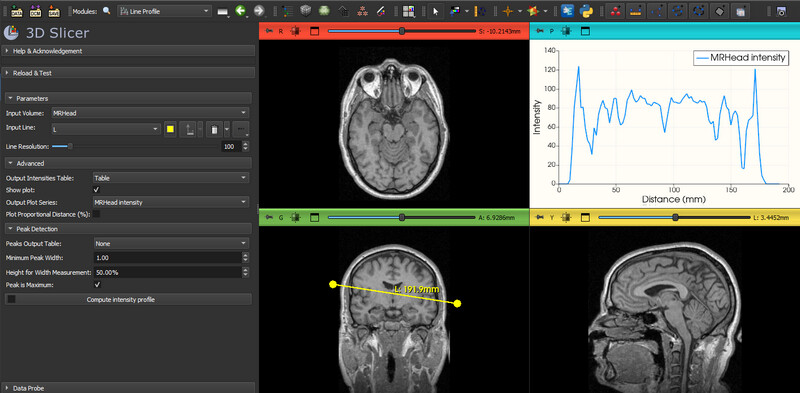
- New module: Line Profile, which can be used to compute intensity profile from an image along a line or curve.
- Re-engineered Scene Views: Scene Views are visual bookmarks to store snapshot of display settings (view layout, point of view, slice position, visibility, color, etc.) for easy review and sharing of interesting details of the scene. The feature has been available for a long time, but could not be used because it was not working reliably. It has now been completely redesigned internally to use “sequences” module for data management.
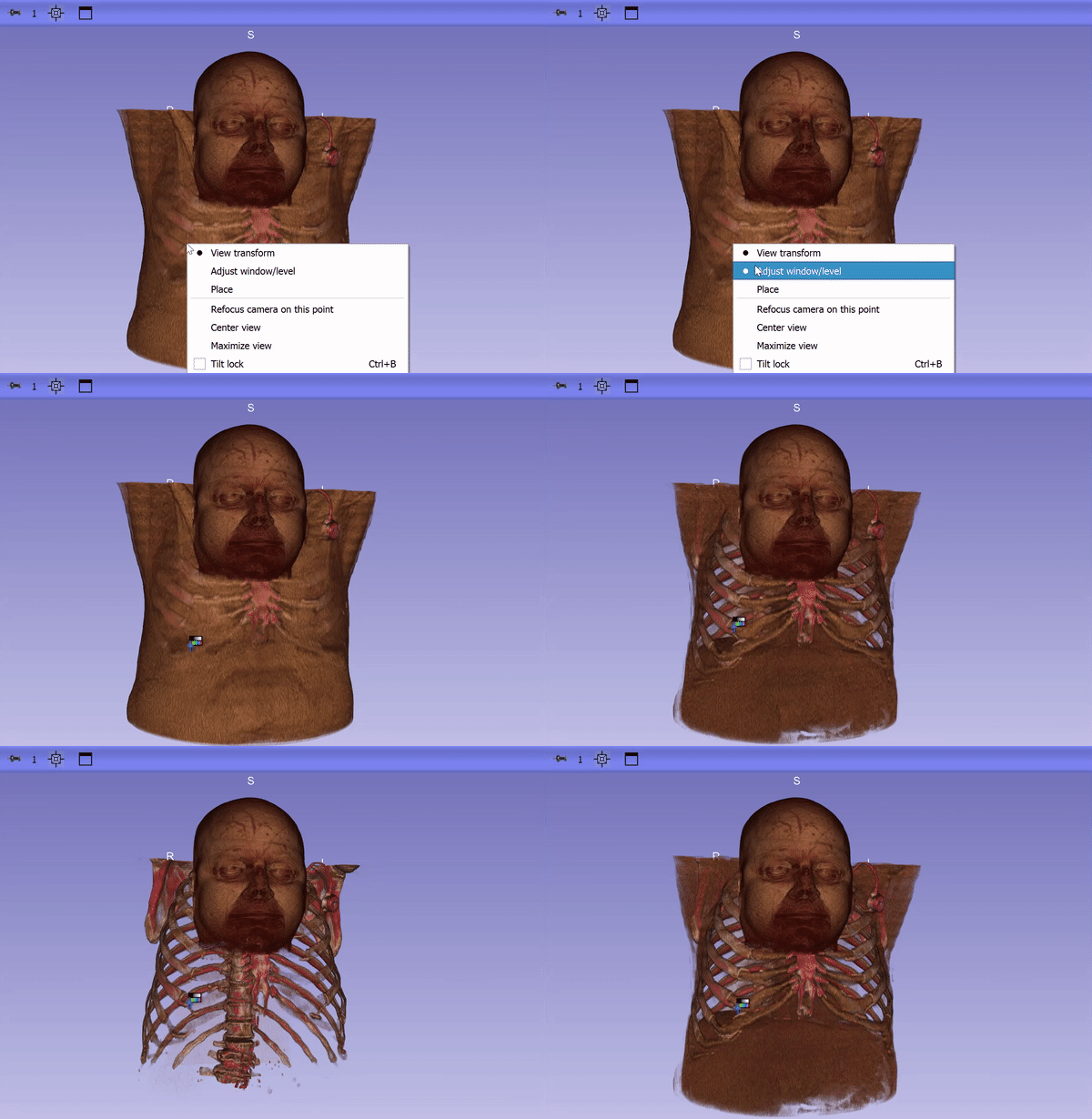
- Easier interactive editing of volume rendering transfer functions: Users can now adjust window/level directly on volume-rendered images in 3D views, similar to slice views. If multiple volumes are visible, the one clicked is adjusted. Additionally, a new visibility menu checkbox, Volume rendering settings follow slice views, toggles synchronization of window/level, color table, and threshold settings between slice views and volume rendering.
- Multi-component volume rendering: independently render each component of multi-component volumes (such as 3D color Doppler ultrasound or multispectral microscopy images) in 3D views. A new json-based file format is introduced to store the volume rendering settings.
- Support reading and writing 5D volumes and transforms: Slicer can now store 5D images and displacement fields, efficiently, in standard single NRRD file format. Supported data sets include 4D (multi-channel 3D) volumes, such as RGB color volumes, color Doppler ultrasound, multi-channel microscopy, images, and displacement fields (a.k.a. grid transforms) that are changing in time.

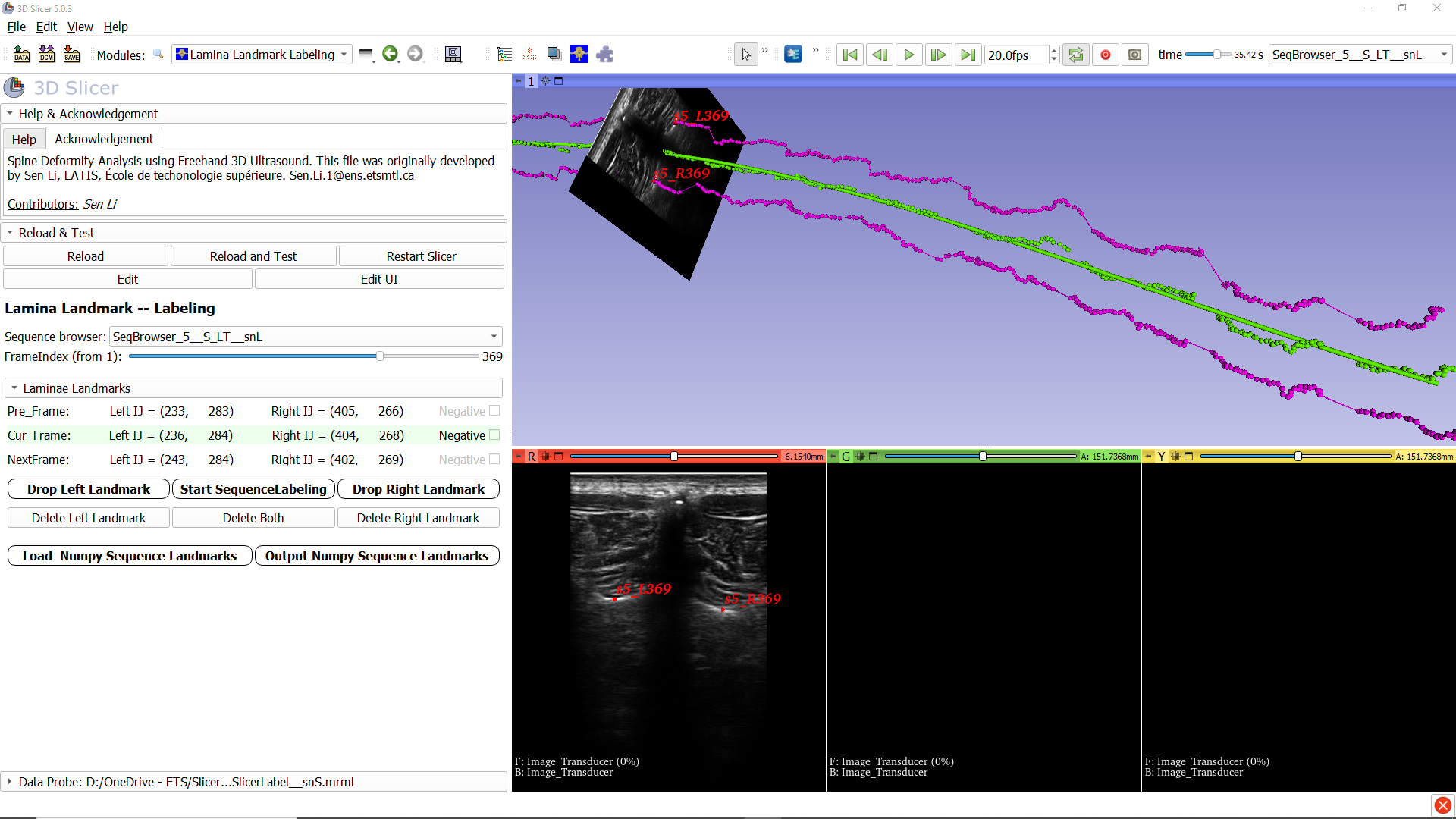
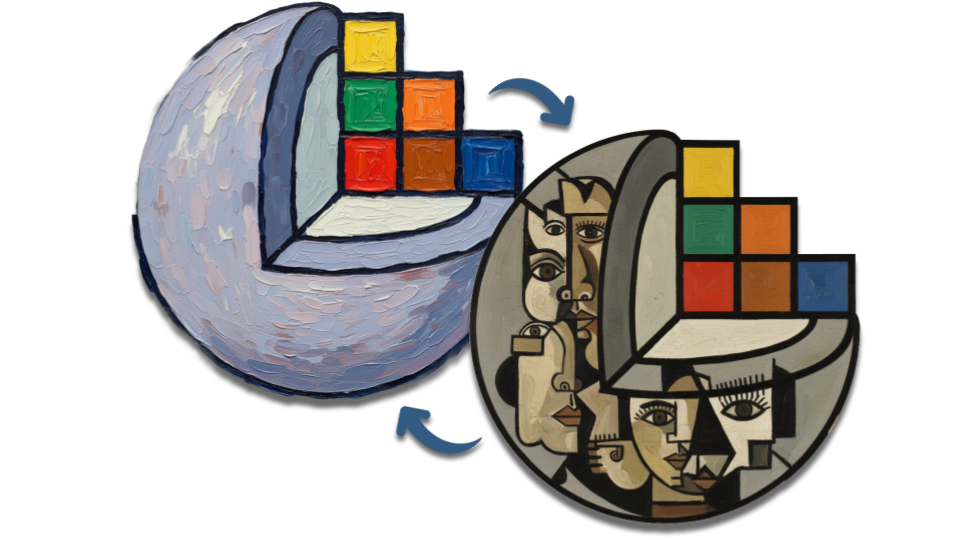
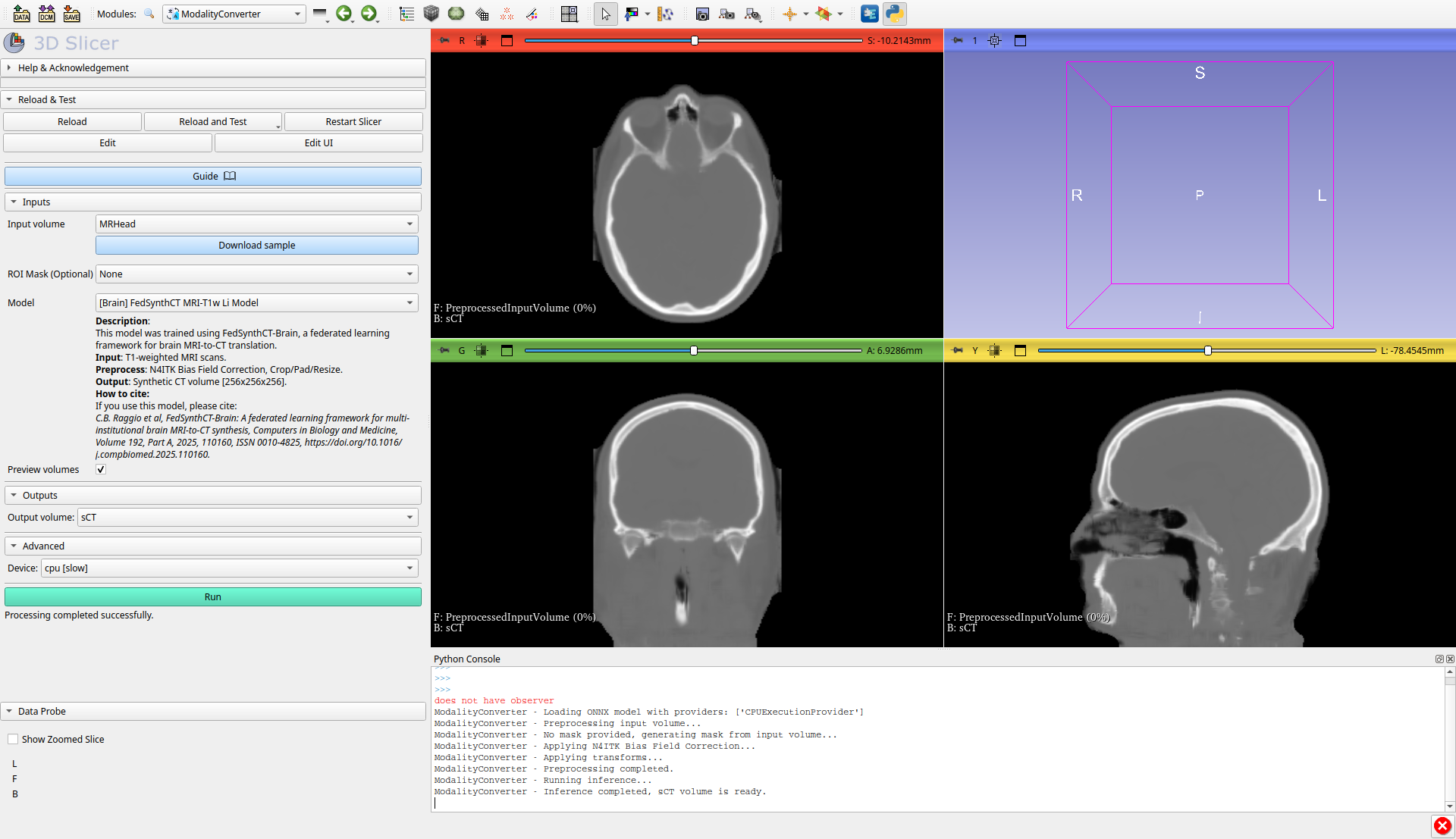
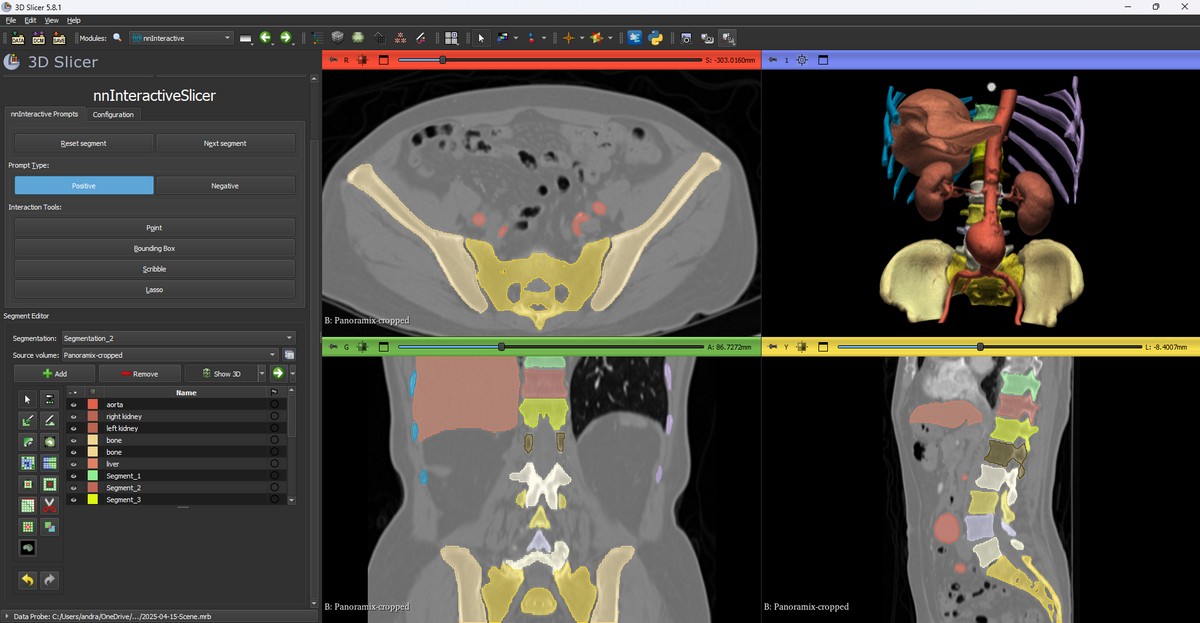
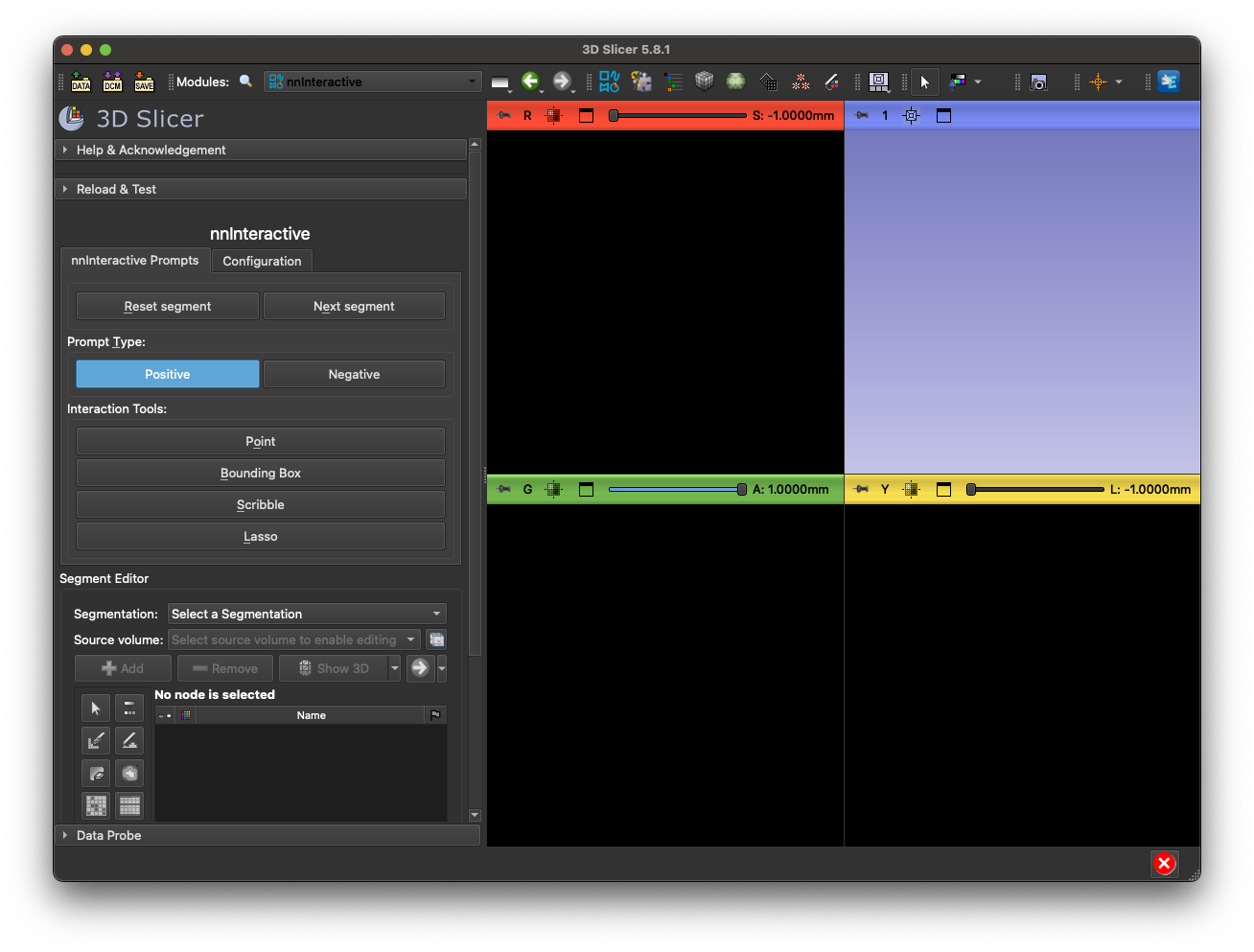
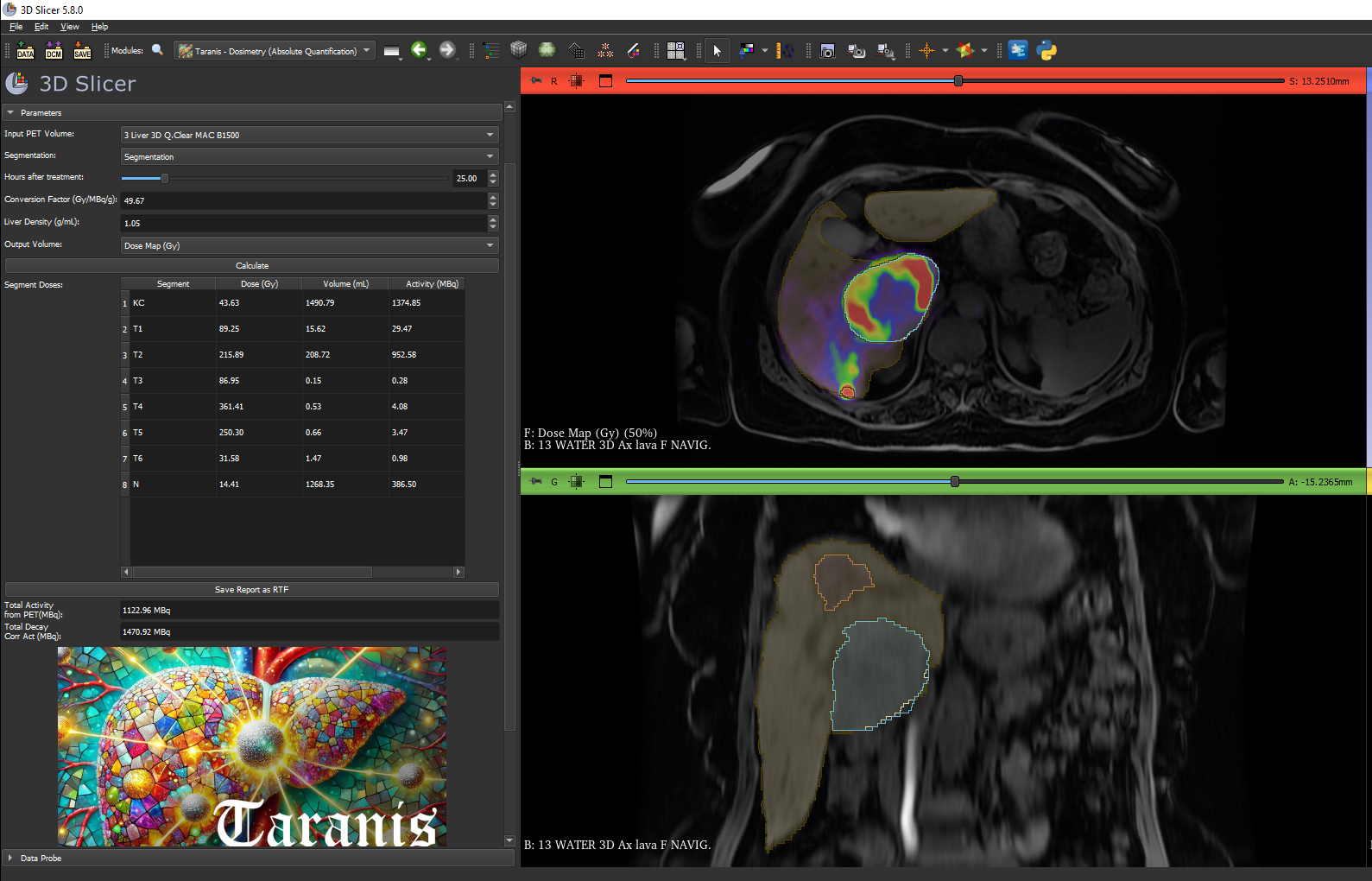
- Introduce over 15 new extensions that integrate advanced AI-based segmentation, improved segmentation and annotation workflows, generative modality conversion, specialized shape analysis, and more.


Developer Highlights
- Upgrade from python 3.9.10 to 3.12.10.
- TLS authentication support for DICOM Sender and Listener: The DICOM storage listener in the DICOM module (available under “DICOM Networking”) now supports TLS authentication. The
DICOMSendernow callsstorescuwith the appropriate TLS arguments when the DIMSE protocol is used, ensuring secure communication.

- Infrastructure updates toward supporting Qt6 integration, including over 20 PRs updating CTK, over 20 PRs updating AppLauncher, and many more PRs updating other dependencies such as PythonQt. Slicer 5.10 is a stable release and still builds with Qt 5.15.2, with the infrastructure available to enable Qt6 in future nightly releases and the next stable release.
- Groundwork to support blending an arbitrary number of layers in Slice views: The classes
vtkMRMLSliceLogicandvtkMRMLSliceCompositeNodehave been refactored to provide an API that enables managing and blending multiple layers. The API is now in place to support future integration into the GUI.
- Add curved planar reformatting support: This is made available as an API in the
GeneralizedReformatmodule, not exposed to the GUI. It is used to straighten vessels, bones, or other structures for easier visualization and quantification. For example it can be used to create panoramic dental X-rays. - Infrastructure updates toward supporting use of Slicer over the web through trame integration. trame Slicer is a bridge between the 3D Slicer core components and the trame web server, allowing web native access to 3D Slicer features.